Seedream 5 Lite AI Image Generator for Fast Drafts and Edits
Start with a ready-to-edit prompt, create fast image drafts, and use reference images to guide products, layouts, identities, and campaign variations.
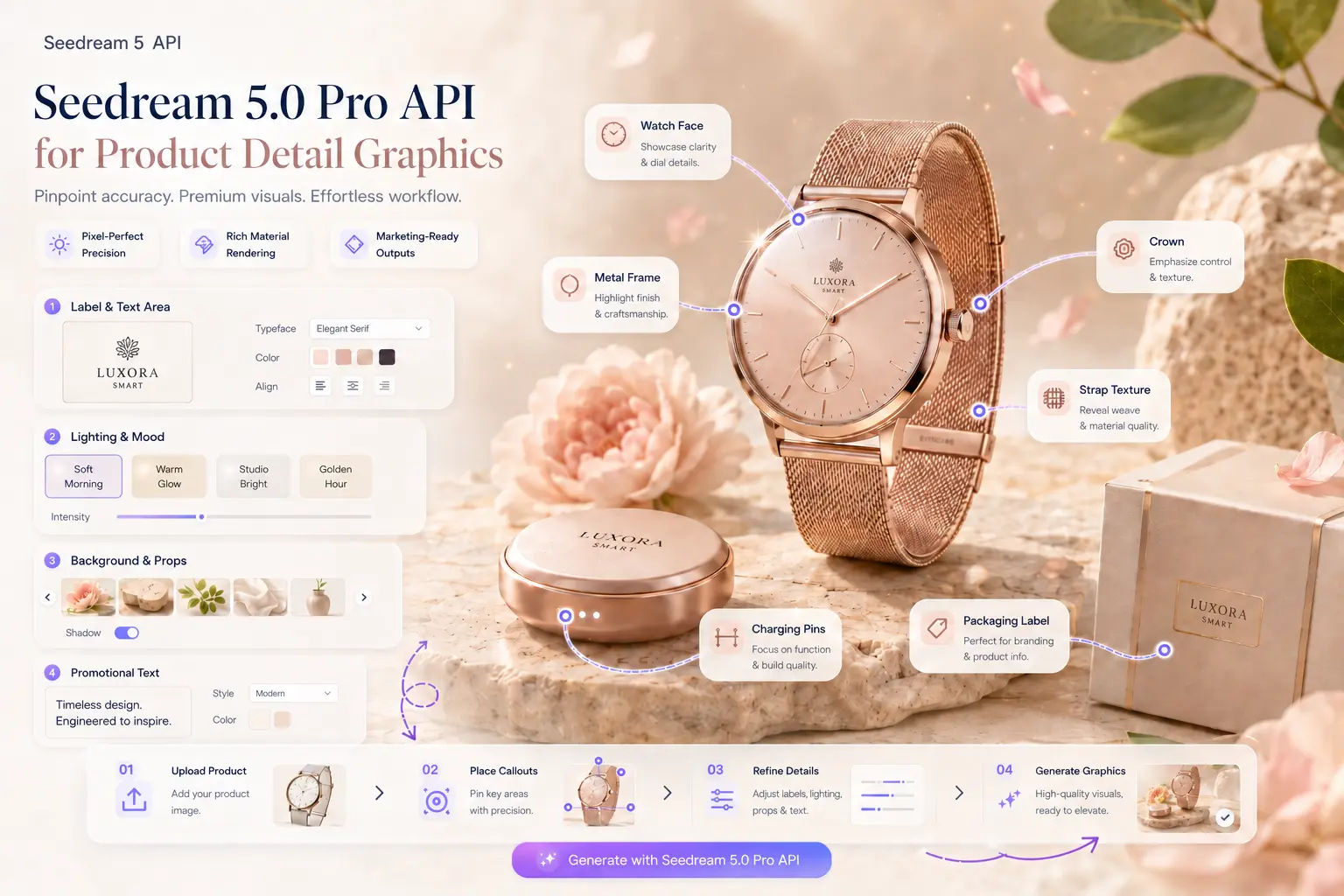
Fast image creation
Use Seedream 5 Lite for quick product concepts, visual drafts, campaign variants, and everyday creative generation.
Reference image control
Add references when a product, face, package, layout, or brand direction should remain recognizable in the generated result.
Efficient credits
Seedream 5 Lite uses a lower image credit schedule while preserving the same account history and download workflow.
Seedream 5 Lite workflow guide
Start with a clear output goal, add reference images only when visual continuity matters, and compare saved results before reusing a prompt in production work.
Prompt structure
Describe subject, camera, lighting, composition, style, and final placement. For video, add motion direction, pacing, camera movement, and the first visual beat.
Reference control
Upload reference images when a product, layout, character, color system, or opening frame should remain consistent while the generated result changes around it.
Seedream 5 Lite FAQ
When should I use Seedream 5 Lite?
Use it for fast drafts, lower-cost image exploration, lightweight ecommerce images, and quick reference-guided revisions.
Does Seedream 5 Lite support image references?
Yes. Upload references to guide style, product shape, layout, or identity before generating.
Can I use the results commercially?
You can use outputs for commercial projects subject to the site terms and the rights you hold for uploaded materials.